Sources rechecked on October 27, 2026.
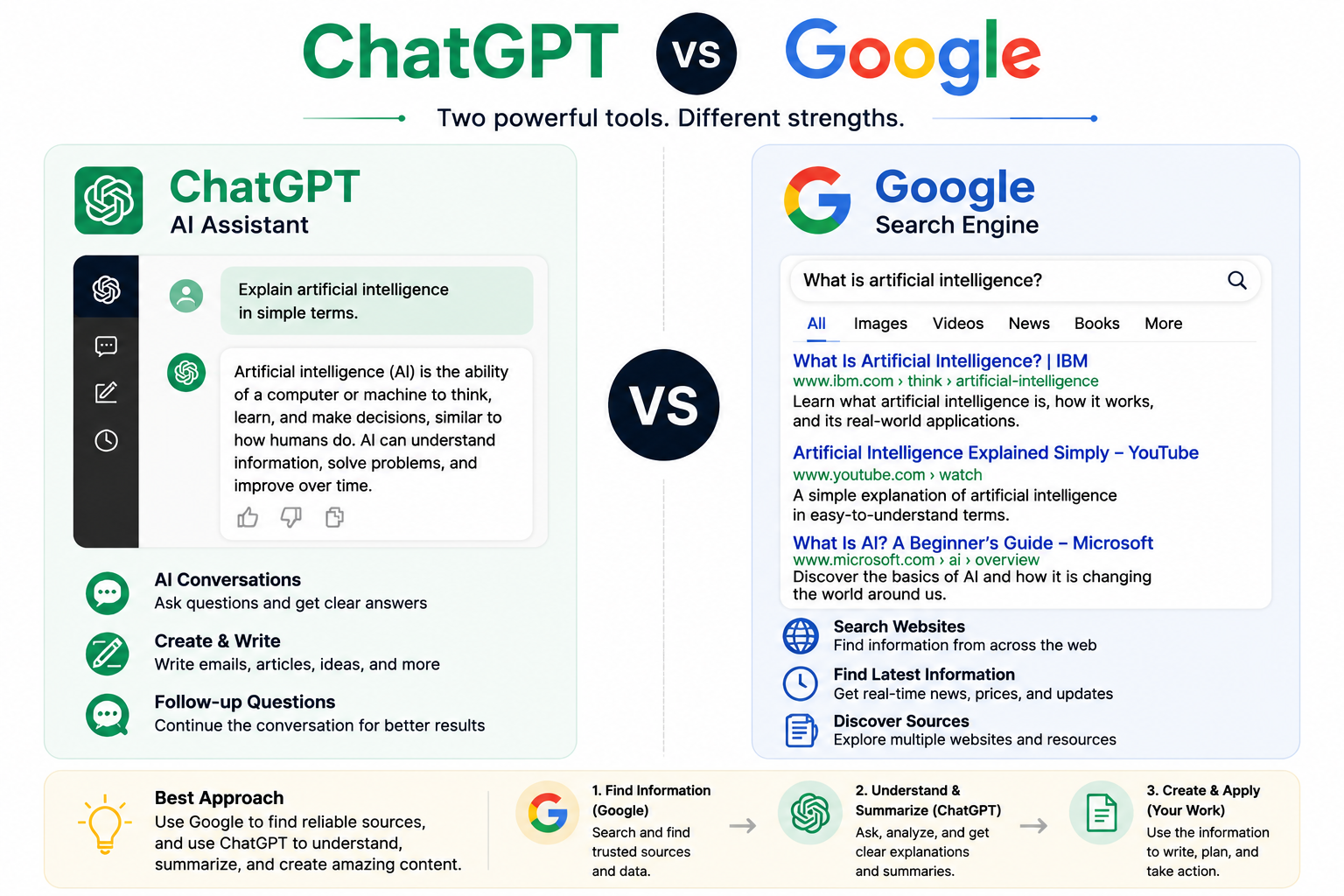
ChatGPT vs Google is usually framed as AI against a search engine. In my own testing it turned out to be a question of order. ChatGPT was best at turning a vague question into a list of claims I had to check. Google was best at getting me to the page that actually decides the answer. Neither one was the answer.
I ran the same workflow on two questions where a polished but wrong answer would cost something. The first was a lithium-battery rule for a U.S. flight. The second came straight from a publishing problem on this site: is ads.txt required for AdSense approval?
The rule I ended up with
Use ChatGPT to frame the question. Use Google to find the source that controls it. Act only on what that source says. ChatGPT Search can retrieve current pages too, and it’s useful, but a citation is a lead, not a verdict. I still open the page before I rely on it. OpenAI’s own note on whether ChatGPT tells the truth says the same thing: confident answers can be wrong, so check important details against a trustworthy source.
Before choosing a tool, name the claim
The first thing I do is ask what kind of mistake would matter. A brainstorming error costs a few minutes. A wrong safety limit, policy statement, deadline, or price costs more. When the stakes are real or the information can change, I treat the question as a verification task, not a writing task.
That means three small decisions. I rewrite the broad question as one statement that can be checked. I decide who owns the answer: a government agency, an airline, a platform’s help center, or my own account dashboard. And I set a stop rule. If I can’t reach the current primary source, the claim stays “Not confirmed” instead of getting filled in.
Test 1: lithium batteries on a U.S. flight
I used ChatGPT first, to find out what I needed to check:
I am preparing for a U.S. passenger flight with a power bank and spare lithium-ion batteries. Organize the questions I must verify, including baggage location, watt-hour limits, quantity limits, terminal protection, and airline-specific restrictions. Do not present the result as final authority. End with the primary sources I should open before travel.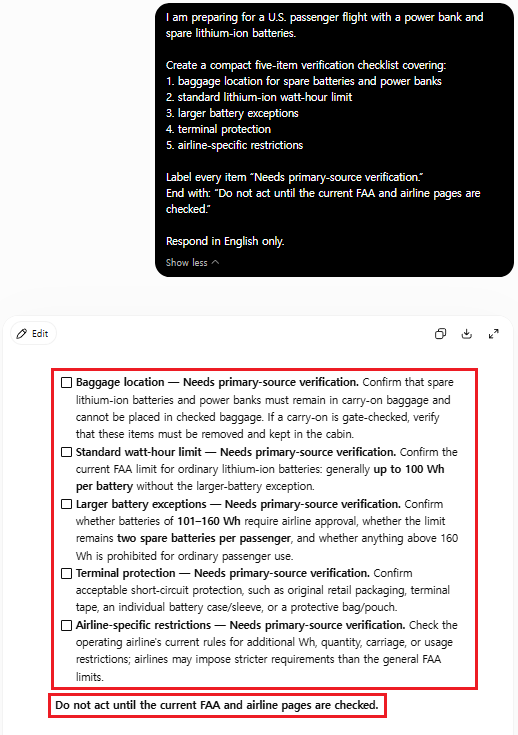
The structure was the useful part. ChatGPT separated spare batteries from batteries inside devices and turned watt-hours, quantity, protection, and airline rules into separate checks. The risky part was that every number in a list that tidy could still be outdated, from the wrong country, or looser than my airline’s rule. So I treated every number as provisional.
Then I searched for the FAA’s PackSafe lithium-battery page and read the page itself, not the snippet. It says spare lithium batteries, power banks included, go in carry-on baggage only. Lithium-ion batteries are limited to 100 watt-hours each, and with airline approval you can bring up to two spares rated 101 to 160 watt-hours. Terminals have to be protected from short circuit. The page also warns that many airlines set stricter limits.
Field note: The detail that changes the decision is often next to the rule, not in it. On the FAA page, it’s the case where your carry-on gets checked at the gate. If that happens, spare batteries and power banks have to come out of the bag and stay with you. No snippet showed me that. Reading the surrounding paragraph did.
The result wasn’t “ChatGPT was wrong” or “Google was right.” ChatGPT found the fields to verify. The FAA page supplied the controlling U.S. rule. The airline was still a second required check, and on an international trip the FAA wouldn’t automatically be the right authority.
Test 2: is ads.txt required for AdSense approval?
This one was personal. While BJ Creates was waiting on AdSense review, the dashboard showed an ads.txt status that made a recommended setting look like a condition for approval. I needed two separate answers: is ads.txt required for approval, and is it worth doing anyway?
Separate these two questions: (1) Is ads.txt mandatory for AdSense site approval? (2) Is ads.txt still recommended after approval? Do not infer policy from dashboard wording. Tell me which current Google Help page I must verify and label anything unsupported as Not confirmed.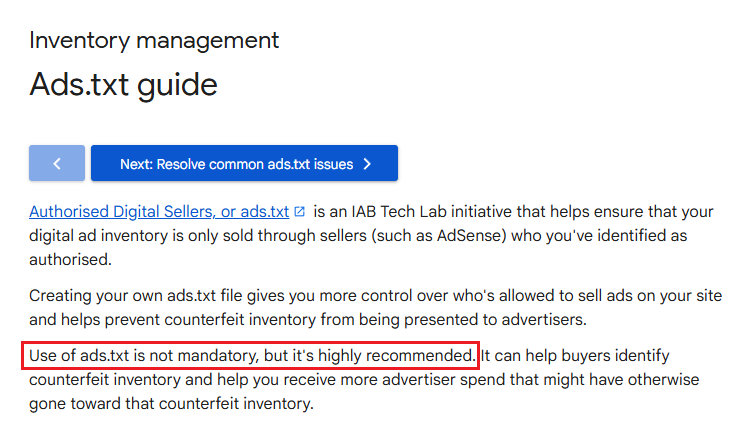
ChatGPT split the question cleanly and pointed me to Google’s help center. The answer came from Google’s ads.txt guide: using ads.txt “is not mandatory, but it’s highly recommended.” The file goes in the root of the site, and the guide notes that changes can take a few days to show up in AdSense, or up to a month for sites with few ad requests.
So the decision was clear. Keep a correct ads.txt file, but don’t treat it as an approval requirement, and don’t read an “Authorized” status as a sign that the content passed review.
Field note: That answer changed where I spent my effort. BJ Creates had been turned down for low-value content, and no setting fixes that. Once ads.txt was ruled out as the blocker, the remaining work was the articles themselves.
Record what you confirmed, and what you didn’t
After each check, I note the claim, who owns the source, the date I checked it, the exact wording, any exception, and the next action. I save the URL as well as a screenshot, because pages change. Each claim ends up with one of three labels. Confirmed means a current primary source I opened supports it. Not confirmed means the source, date, jurisdiction, or account evidence is missing. Human decision is whatever still belongs to the traveler, the publisher, or the account owner. For ongoing research, my ChatGPT Projects workflow shows one way to keep confirmed material apart from open questions.
Field note: Citations aren’t proof. A cited page can be secondary, out of date, from another country, or about a slightly different claim. I open it, find the sentence that supports the answer, check who published it and when, and read the exceptions nearby. My ChatGPT Search citation audit goes through that process step by step.
Which to use first
| Research need | Start with | Before you act |
|---|---|---|
| Break down a vague question | ChatGPT: list the claims, unknowns, and source types | Don’t treat the breakdown as the answer |
| Find a current official rule | Google Search or ChatGPT Search to find the owner | Open and read the primary page |
| Compare several viewpoints | A broad search, then group sources by role | Keep fact, opinion, and inference apart |
| Make a safety or policy decision | Identify the jurisdiction, date, and owner | Read the exceptions |
| Keep researching over time | Save sources, check dates, and open items | Recheck when the rule changes |
Google’s ranking systems guide explains that results are ordered by signals like relevance, source expertise, and location. That makes Search a strong way to find the right page. It doesn’t make the first result the authority. You still have to judge the source it surfaced.
FAQ
Is ChatGPT or Google better for airline battery rules?
Use ChatGPT to organize the questions, then confirm the rule on the aviation authority’s page and your airline’s page. For U.S. flights the FAA is the primary source, but your airline may be stricter.
Does an authorized ads.txt status guarantee AdSense approval?
No. Google’s guide calls ads.txt highly recommended, not mandatory. A correct file helps authorize ad inventory, but it doesn’t replace content quality, policy compliance, or site readiness.
The takeaway
The useful skill isn’t picking a winner. It’s knowing when an answer is only a draft, when a search result is only a lead, who owns the rule, and what has to stay “Not confirmed” until you’ve read the source yourself.