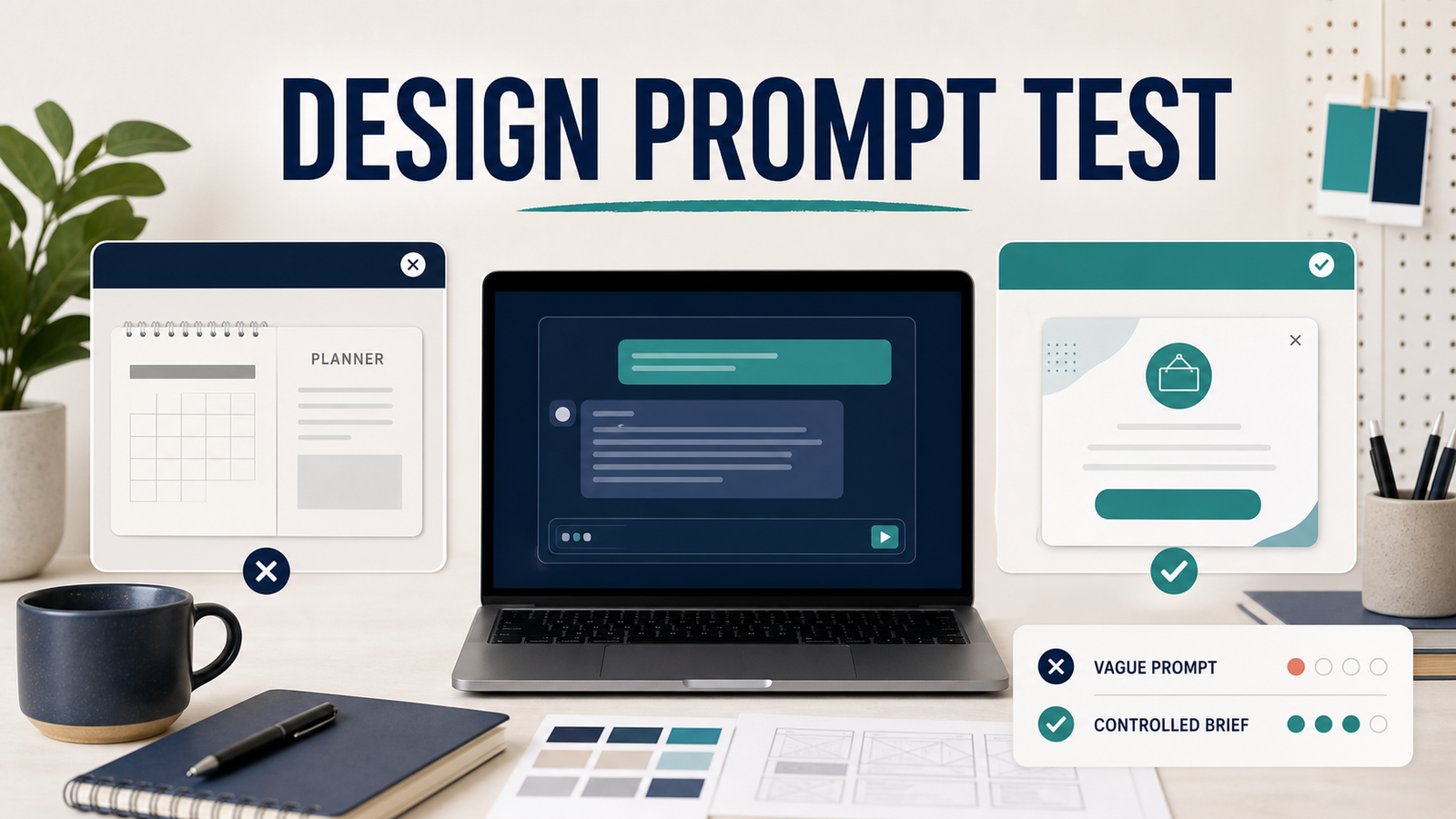
The clinic, the closure notice, and the visuals in this article are fictional. No real client file, logo, or patient information was used.
The second image looked finished. The layout was clean, the spelling was correct, and there were none of the glossy or melted details I usually have to fix. It was also useless. I had asked for a clinic closure pop-up and received a well-made personal planner. In my healthcare-marketing design work, most common ChatGPT prompt mistakes come down to that one habit: judging the output by how it looks instead of whether it is the right deliverable.
To make the pattern visible, I tried one fictional job three ways: a vague request, a cleaner brief aimed at the wrong target, and a brief built around the actual message. Each attempt failed or worked for a different reason, and each reason is a mistake you can avoid before you generate anything.
The job: a closure notice for a clinic homepage
The deliverable was a homepage pop-up announcing a one-day closure. On paper that sounds simple. In practice it has a fixed message, a specific placement, a mobile version that has to stay readable, and an approval step before it goes live. A good prompt has to carry all of that. The three tests show what happens when it doesn’t.
Mistake 1: describing a topic instead of a deliverable
The first request was deliberately broad:
Create a July schedule in any style you think works.ChatGPT didn’t produce an image at all. It wrote a Markdown planner with a month-at-a-glance calendar and sections for Monthly Focus, Important Dates, To-Do, Notes, Work, Personal, and Appointments. It quietly picked a year and invented every section. None of those choices were unreasonable. The prompt just left every decision open, so the model made all of them.
“July schedule” is a topic. “A 4:5 homepage pop-up announcing a clinic closure” is a deliverable. The difference decides whether you get something you can design from or something you have to throw away.
Mistake 2: polishing the wrong target
The second brief added visual control:
Create a clean 4:5 vertical July schedule in navy and teal. Include a seven-column calendar plus areas for Monthly Focus, Important Dates, To-Do, and Notes. Keep the English text crisp and correctly spelled. Avoid glossy, melted, warped, or broken details.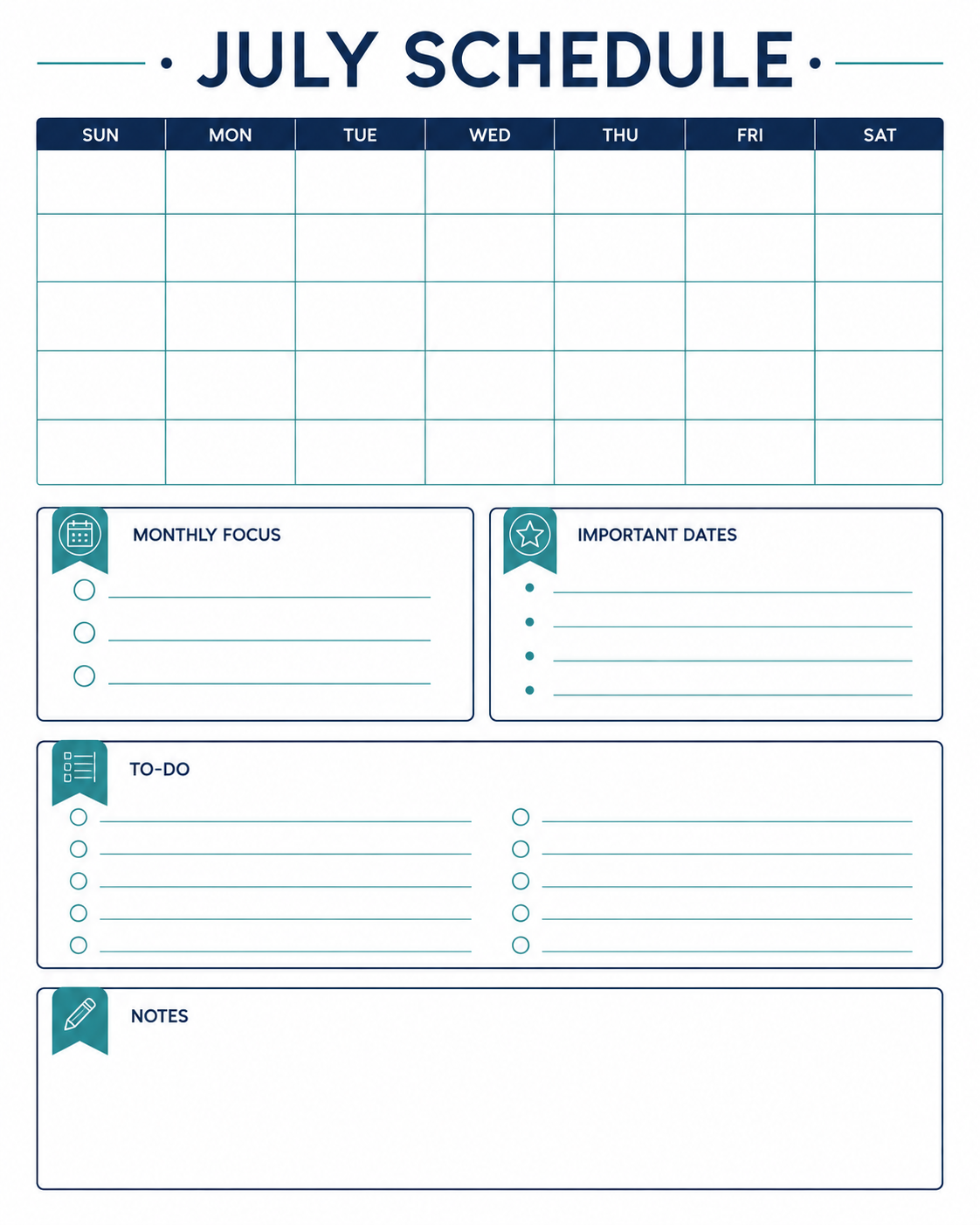
This was clearly better than Test A. The hierarchy was clear, the spelling held up, and I found no broken areas on review. But every instruction I added improved the layout of the wrong thing. It was still a planner. It had no approved message, no website context, no clinic identity, and no reason for a visitor to stop and read it.
Field note: Review in this order. Check whether the output is the right deliverable before you look at anything else, including spelling, artifacts, and color. A clean image of the wrong thing is more dangerous than a messy one, because the polish makes it tempting to keep going. If the deliverable is wrong, stop and fix the brief.
Mistake 3: assuming a background-only workflow saves time
The next idea sounded efficient. Generate only a premium clinic background, then add the text in Photoshop. That separates image generation from typography, which is how a lot of designers already work.
In this test, it didn’t save time. The generated background came with an oversized, opaque panel in the center, and that panel decided the composition before the real message was even placed. I wouldn’t have continued from that asset.
Field note: My rule for generated assets is simple. Fixing a stray letter or a glossy patch in Photoshop is a reasonable retouch. Removing a panel that controls the whole layout is a rebuild. When the structure is wrong, I go back to the prompt instead of opening Photoshop, because rebuilding costs more than regenerating.
What worked: design the message and the background together
The brief that worked put the exact copy inside the composition from the start. In my private working test I used a Korean public holiday. For this article, I switched to New Year’s Day so international readers can follow it.
Create a fictional premium clinic website popup in a 4:5 vertical format.

Use an elegant, softly lit clinic interior with warm ivory stone, subtle greenery, and a calm international aesthetic. Integrate a refined semi-transparent panel into the composition.

Show only this exact English copy:
NEW YEAR'S DAY
CLOSED JANUARY 1

Make the text large, correctly spelled, and easy to read on mobile. Do not add a logo, clinic name, contact details, people, medical claims, or extra copy. Avoid glossy, warped, melted, or broken details. This is a fictional editorial example, not a real clinic advertisement.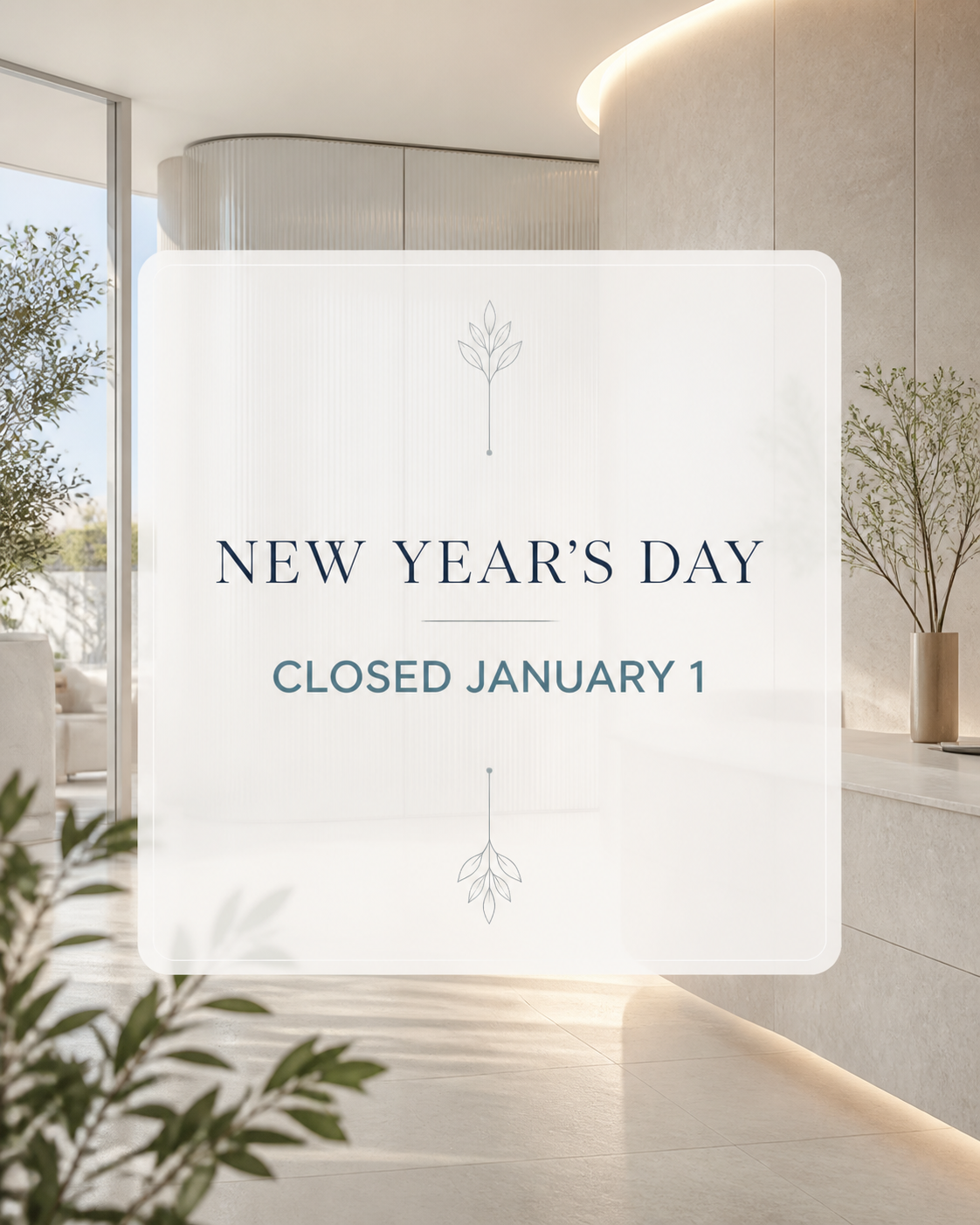
This time the short message was part of the visual hierarchy, not something dropped onto an unrelated background. The brief named the channel, the format, the mood, the exact copy, and what to leave out. It is still only a draft. A real clinic would need its own brand system, confirmed operating information, an accessibility check, and sign-off before anything went live.
| Attempt | Right deliverable? | Exact message? | Could a designer continue? |
|---|---|---|---|
| Test A: vague request | No, a text planner | No | No |
| Test B: cleaner brief | No, an image planner | No | No |
| Background only | Partly | Added later | No, panel blocked the layout |
| Message + background together | Yes | Yes | Yes, as a draft for review |
This records one session and one result per direction. Another session could produce different typography or artifacts. What carries over is the order of decisions.
A reusable brief for design drafts
Fill this in before you ask for any visual. If you can’t fill in a line, that is the decision to make first.
PROJECT: Create a [deliverable] for [channel and placement].
SIZE: [pixel dimensions or aspect ratio]
AUDIENCE: [who will see it]
PURPOSE: The viewer should [action or understanding].
EXACT COPY: Use only this approved text: [final copy]
VISUAL DIRECTION: [mood, palette, lighting, composition]
HIERARCHY: Make [primary message] most prominent, then [secondary].
EXCLUSIONS: Do not add [logos, names, dates, claims, people, extra text].
QUALITY: Keep text correctly spelled and legible. Avoid distorted
letters, glossy patches, warped geometry, and broken objects.
STATUS: Treat the result as a draft for human review.
Before anything goes live
Check every word and date against the approved source, and look at the image at 100% zoom, not in a small preview. Place it at the real pop-up size on desktop and on mobile. Then apply the organization’s own typography, colors, and approval process.
Field note: Never let the image be the only place a closure date appears. Text inside an image can’t be read by screen readers, can’t be searched, and is easy to forget when the date changes. Put the same notice in plain text on the page too.
OpenAI’s own prompt engineering guide recommends clear, specific instructions and refining as you go. Its note on whether ChatGPT tells the truth is a good reminder that confident output still needs checking.
FAQ
Can a detailed prompt still produce the wrong design?
Yes. Test B was detailed and still produced a planner, because the channel, the message, and the purpose were never set.
Should I generate only the background and add text in Photoshop?
Only if the background leaves usable space for your copy. In this test it didn’t, so designing the message and background together was faster.
The takeaway
The biggest mistake in this test wasn’t too little detail. It was adding detail before deciding what the design had to do. For a broader framework, read How to Write Better ChatGPT Prompts. For text-based work instructions instead of image briefs, see Best ChatGPT Prompts for Work.