Tag: AI Research

  • How to Use ChatGPT Search (2026 Guide): Sources, Verification & Limits

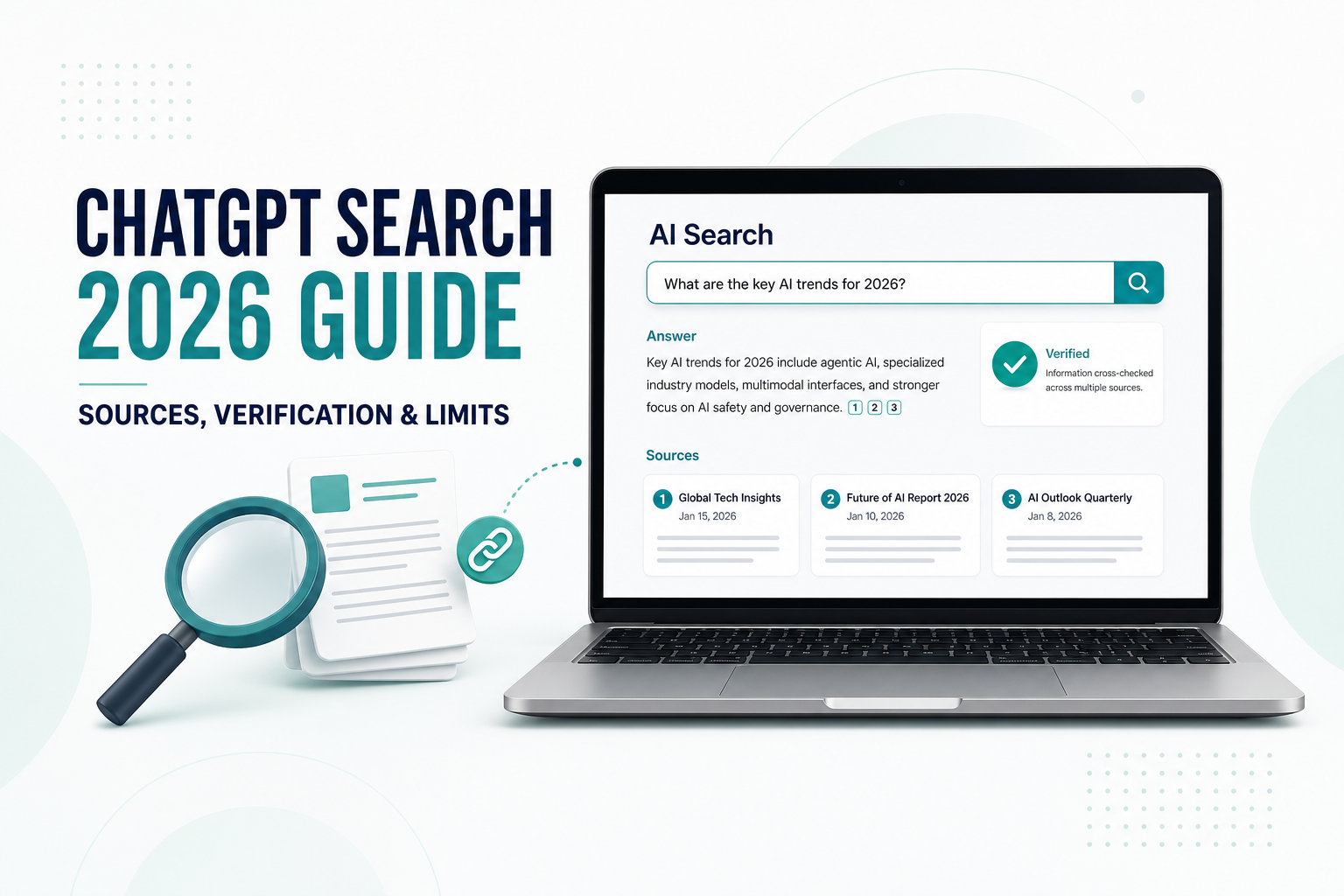
    How to Use ChatGPT Search (2026 Guide): Sources, Verification & Limits

    ChatGPT Search can turn a broad question into a timely answer with links to web sources. That makes it useful for travel planning, product research, local recommendations, and work that depends on current information.

    However, a cited answer is not automatically a correct answer. A source may be outdated, a page may not support the exact claim, or an important detail may be missing. The most reliable way to use ChatGPT Search is to treat it as a research assistant: ask a focused question, inspect the citations, and verify the details that affect your decision.

    Quick answer

    Open ChatGPT, choose Search from the tools menu—or simply ask a question that needs current web information. After the answer appears, open the inline citations or the Sources panel. Check that each important claim is supported by a relevant, current, trustworthy page before acting on it.

    What Is ChatGPT Search?

    ChatGPT Search is a web-search feature inside ChatGPT. It can find recent information, combine material from multiple pages, and present an answer with links to relevant sources. According to OpenAI, Search is available on ChatGPT’s web, desktop, and mobile experiences, and ChatGPT may search automatically when a question would benefit from web information.

    You can also select Search manually. In the current interface, open the tools or sources menu near the message box and choose Search. Typing / may also show Search as an option. Interface labels can change, so use the tools menu if a shortcut is not visible.

    The important difference is not simply that Search can access the web. It is that a search response can include inline citations and a Sources panel, giving you a path from the summary back to the original pages.

    ChatGPT Search vs. a Regular Chat

    FeatureRegular ChatGPT responseChatGPT Search response
    Best forExplanation, drafting, brainstorming, and stable knowledgeCurrent events, changing details, local information, and web research
    Web sourcesMay not use the web for the answerUses web search when activated or considered useful
    CitationsNot always presentMay include inline citations and a Sources panel
    FreshnessCan rely on learned informationCan retrieve more recent pages, subject to availability
    Your responsibilityCheck important factsOpen and evaluate the cited sources

    If you want a broader comparison of search engines and AI answers, read our guide to ChatGPT vs. Google.

    How to Use ChatGPT Search Step by Step

    Step 1: Decide whether the question needs the web

    Use Search when the answer can change with time or location. Examples include opening hours, prices, product availability, recent software changes, schedules, regulations, and news. A timeless task such as rewriting an email usually does not need web search.

    Step 2: Add the details that control the answer

    A vague request creates vague research. Include the place, date, budget, preferred source type, and the decision you are trying to make. If freshness matters, ask ChatGPT to state when each source was published or last updated.

    Weak search prompt:

    Find a good coworking space.

    Stronger search prompt:

    I need a coworking day pass near Toronto Union Station for this Sunday.
    
    Requirements:
    - Within a 15-minute walk
    - No more than C$40 before tax
    - Open from at least 10 a.m. to 4 p.m.
    - Reliable Wi-Fi and a quiet work area
    
    Search the web and give me three options in a table. For every price and opening-hour claim, cite the business's official website. State when the page was accessed, and mark any detail that you could not verify.

    Step 3: Open the citations

    On desktop, you may be able to hover over an inline citation and click it. If citations are not visible in the text, select Sources below the response to open the source panel. Do not judge a source only by its title. Open the page and find the sentence, table, policy, or listing that supports the claim.

    Step 4: Verify the decision-critical details

    In the coworking example, the decision-critical details are the Sunday hours, day-pass price, exact location, and whether a day pass is actually available without a membership. A blog post that mentions the space is weaker evidence than the company’s current booking or location page.

    Step 5: Ask a follow-up that exposes uncertainty

    Review your answer as a skeptical fact-checker.
    
    List:
    1. Claims supported by an official primary source
    2. Claims supported only by a third-party source
    3. Claims that may be outdated or ambiguous
    4. Details I should confirm directly before visiting
    
    Do not add new claims unless you cite them.

    A Practical Source-Checking Method

    A long source list can create a false sense of certainty. Use this five-part check for the claims that matter most.

    1. Relevance: Does the page support the exact claim, or only discuss a related topic?
    2. Authority: Is it an official organization, original research, a regulator, or the business responsible for the information?
    3. Freshness: Is there a publication or update date, and is it recent enough for the question?
    4. Agreement: Do other credible sources support the same conclusion?
    5. Scope: Does the information apply to your country, plan, product version, date, or situation?

    Useful rule: The higher the cost of being wrong, the closer you should get to the primary source.

    What to Do When Sources Disagree

    Conflicting sources are common. One page may be old, one may describe a different region, and another may repeat information without checking it. Do not ask ChatGPT to choose a winner without explaining why.

    These two sources disagree about [specific claim].
    
    Compare them by:
    - Publication or update date
    - Whether each is a primary or secondary source
    - Geographic and product scope
    - Evidence provided
    
    Explain the most likely reason for the disagreement. If the conflict cannot be resolved, say so clearly and tell me what I should verify directly.

    When the subject is legal, medical, financial, or safety-related, use Search to locate authoritative material—not to replace a qualified professional or an official source. For a medical decision, for example, a cited summary is still not a diagnosis.

    5 Useful ChatGPT Search Prompts

    1. Check a recent software change

    Search for the latest official information about [feature].
    Use the product's official documentation and release notes first.
    Tell me the supported plans, platforms, and rollout limitations.
    Separate confirmed facts from reasonable inferences.

    2. Build a source-first briefing

    Create a 250-word briefing on [topic] using sources published or updated within the last 90 days.
    Prioritize primary sources and reputable reporting.
    Place a citation immediately after every time-sensitive claim.
    End with three unresolved questions.

    3. Verify a number

    Find the original source for this statistic: "[paste claim]."
    Do not cite a page that merely repeats it.
    Report the original publication date, methodology, sample or scope, and any limitations.

    4. Compare current options

    Compare [option A] and [option B] for [specific use case] as of today.
    Use official pricing and feature pages where possible.
    Show price, major limits, cancellation terms, and the date each source was checked.
    Mark information that varies by region or plan.

    5. Audit an answer before sharing it

    Audit the answer above before I share it.
    Create a table with columns for Claim, Citation, Source Type, Date, Direct Support, and Risk.
    Label any unsupported or weakly supported claim and rewrite it more cautiously.

    If your prompts still produce vague results, review these common ChatGPT prompt mistakes.

    Privacy and Location Considerations

    Search prompts can be rewritten into more targeted queries and sent to third-party search providers. OpenAI says it may use general location inferred from your IP address to improve local results, but it does not send your IP address or ChatGPT account information to those search providers for the search.

    Precise device location is optional. If you enable it, local results may become more relevant. OpenAI’s current help page says precise location is used for the response and then deleted, although location-related details that appear in the answer can remain in your chat history.

    Avoid placing confidential client data, private documents, account credentials, or unnecessary personal details in a search prompt. Replace sensitive names and identifiers with neutral labels whenever possible. If you regularly handle private material, review your organization’s policy and ChatGPT data controls before using web search.

    Limits of ChatGPT Search

    • A citation can be weak: The linked page may be related without directly proving the sentence.
    • Pages can be outdated: A result may rank well even after a price, policy, or feature changes.
    • Coverage is incomplete: Paywalls, technical restrictions, site preferences, or missing indexed pages can limit what Search can access.
    • Summaries can remove nuance: Conditions, exceptions, and regional differences may disappear in a short answer.
    • Confident wording is not proof: ChatGPT can still produce an incorrect or misleading conclusion.
    • Usage limits apply: Search availability and limits can depend on the current ChatGPT plan and product experience.

    OpenAI recommends checking important information with reliable sources. This is especially important for quotes, data, technical instructions, and external references. ChatGPT Search makes verification easier, but it does not remove the need to verify.

    A Reusable Search-and-Verify Template

    I need current information to decide [decision].
    
    Context:
    - Location or market: [place]
    - Date or deadline: [date]
    - Requirements: [must-haves]
    - Constraints: [budget, plan, version, or other limits]
    
    Search instructions:
    1. Use primary and official sources first.
    2. Cite each time-sensitive claim immediately.
    3. Include the publication or update date when available.
    4. Separate verified facts, estimates, and unresolved details.
    5. Identify conflicts between credible sources.
    6. End with a checklist of details I should confirm directly.
    
    Do not invent missing information.

    For longer, repeated research tasks, you can save your instructions and related files in a focused workspace. See our guide to using ChatGPT Projects.

    Frequently Asked Questions

    Is ChatGPT Search free?

    OpenAI’s current help page says ChatGPT Search is available across Free, Plus, Team, Edu, and Enterprise plans, including access for logged-out Free users. Search queries remain subject to plan usage limits, and availability can change, so check the official help page for the latest details.

    Does ChatGPT Search always show sources?

    Search responses may show inline citations. If they do not appear in the text, look for the Sources option below the response. Not every sentence necessarily has its own citation, so verify the claims that matter to your decision.

    Is ChatGPT Search more accurate than regular ChatGPT?

    Search can improve freshness and make an answer easier to check because it can use current web pages and provide citations. It can still misread a source, omit context, or produce an unsupported conclusion. Accuracy depends on the question, the available sources, and your verification process.

    Should I trust the first source?

    No. Open the source, confirm that it directly supports the claim, and compare it with a primary source or another credible page. For changing information, check the date and geographic scope.

    Does ChatGPT Search share my location?

    OpenAI says Search may use general location inferred from your IP address to improve results and may share that general location with search providers, but not the IP address itself or your ChatGPT account information. Precise device location is optional and can be controlled in Settings.

    Official Sources

    Final Thoughts

    ChatGPT Search is most useful when speed and traceability matter together. It can shorten the path from a question to relevant web pages, organize competing information, and show you where an answer came from.

    The safest workflow is simple: make the question specific, prefer primary sources, open the citations, check dates and scope, and clearly mark what remains uncertain. Use the answer to guide your research—not to skip it.